book covers
Start from the whole manuscript, choose a cover shape, and explore one to four takes at a time.
Start from the whole manuscript, choose a cover shape, and explore one to four takes at a time.
Gather a character's Story Atlas note so appearance, history, and role inform the portrait.
Add the chapter where a moment happens, then choose a scene, wide, portrait, or square composition.
Choose Story Atlas notes and, if useful, one chapter. Choose nothing to work from the book as a whole.
Write a rough brief, choose a visual style, and add up to six reference pictures.
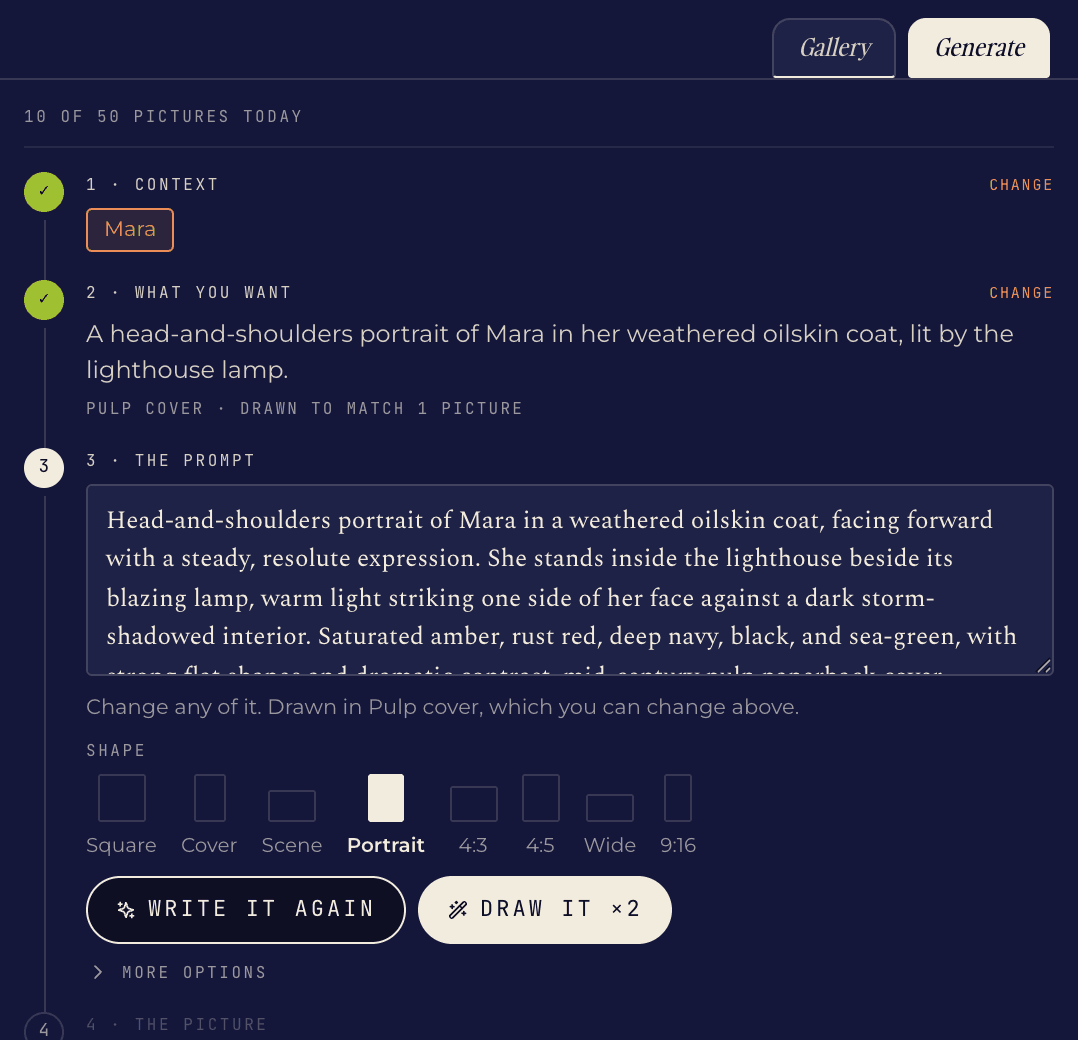
Read and edit the exact prompt. Choose from eight aspect ratios before spending a picture.
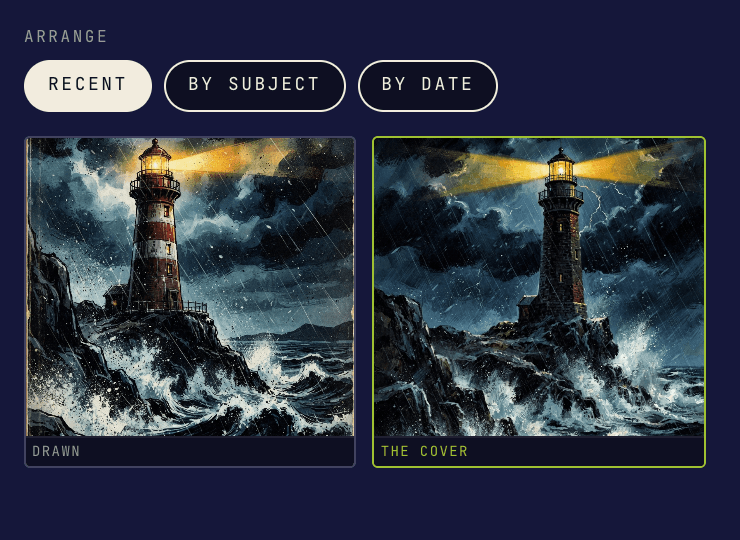
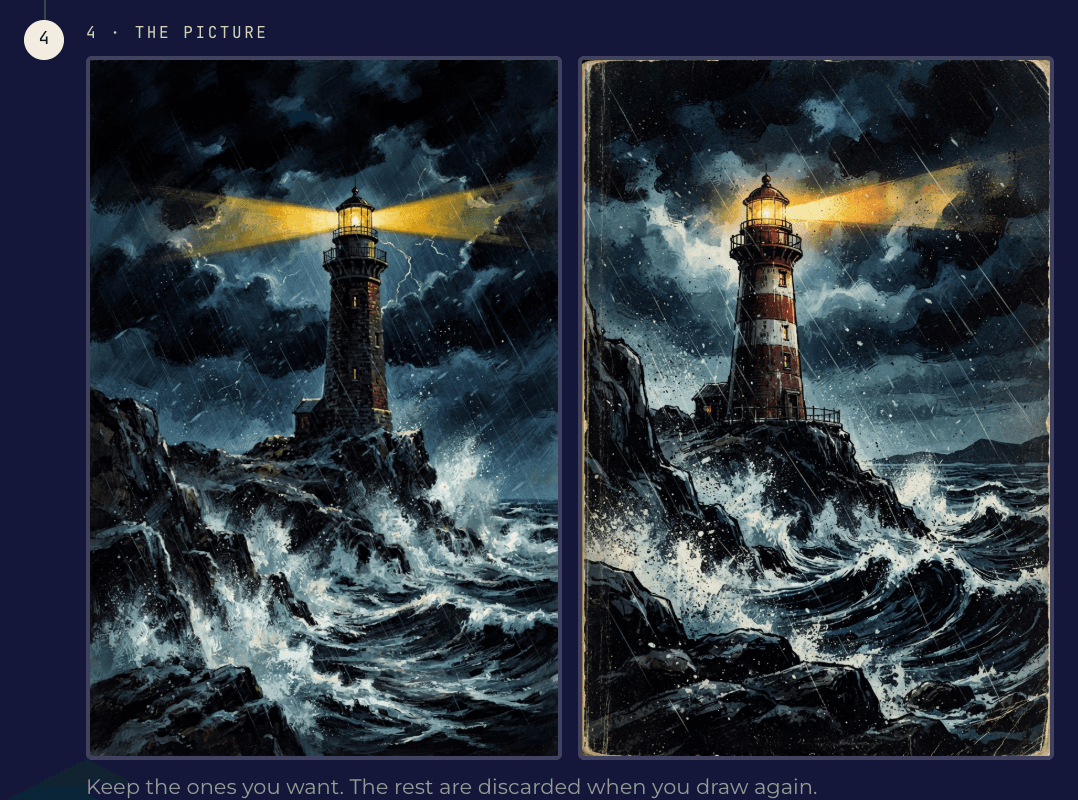
Generate one to four takes. Keep the results you want; the rest disappear when you draw again.
Read the full prompt before drawing. Correct a costume, remove an object, change the mood, choose another style, or switch among square, cover, scene, portrait, 4:3, 4:5, wide, and 9:16 shapes.
Ask for one to four takes. Each returned take counts as one picture, so you decide how broadly to explore.
Reuse up to six kept pictures as references for palette, medium, and character identity. Canonical Story Atlas pictures come along automatically.
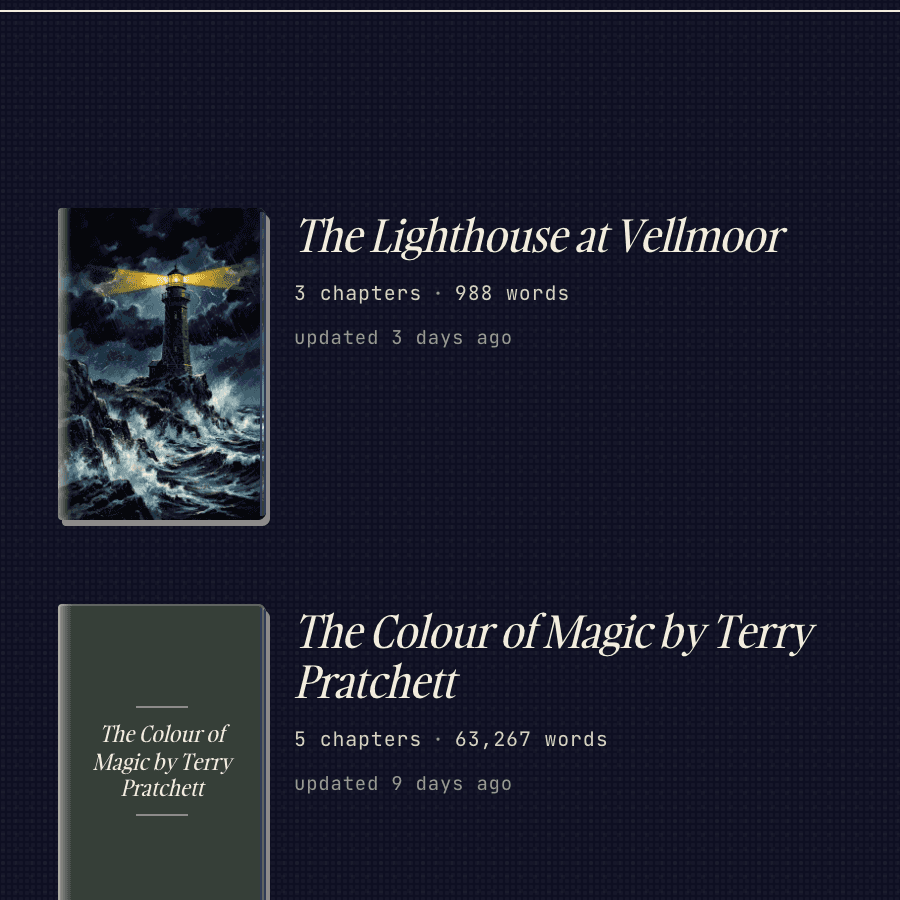
Attach a kept picture to the book or a Story Atlas entry. Mark one canonical and Quarkle uses it on the manuscript card or character dossier.
You choose the context. Quarkle can work from the book as a whole, from selected Story Atlas notes, or from those notes plus one chapter. It uses that context to write the image prompt you review.
Yes. Quarkle shows the complete prompt before it draws. You can change the wording, choose another style or aspect ratio, or ask Quarkle to rewrite the prompt.
Yes. Add up to six Gallery pictures as visual references. Canonical pictures attached to Story Atlas entries are also included automatically when you gather those entries.
The free Writer plan includes 5 pictures a day and up to 10 kept pictures per book. Pro includes 50 pictures a day with no fixed Gallery limit. The live Drawing Room counter always shows the current allowance.
Yes. Keep the image, attach it to The book cover, and mark it canonical. It then appears as the cover on that manuscript's card in the Studio Library.